


Email attribution in B2B: how newsletters and nurture earn pipeline credit
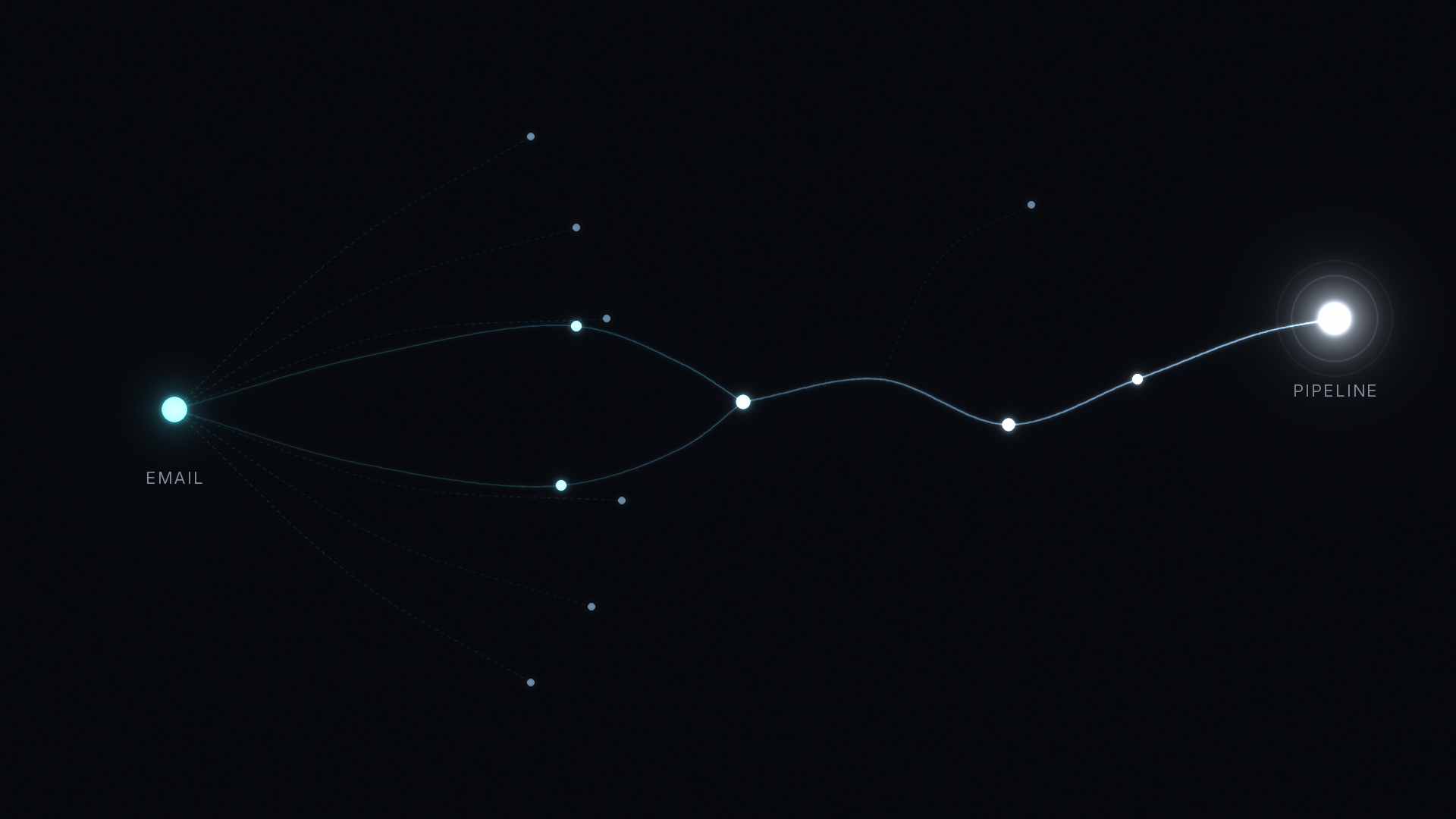
Email attribution in B2B means giving pipeline credit to the newsletters, nurture sequences, invites, and sales follow-ups that actually move a buyer forward. Opens can't carry that credit, because privacy features and security scanners make them unreliable. What works is tagged clicks that turn into real visits, replies and meetings logged in your CRM, and a multi-touch view of the deal, so email gets the share it earned on the path.
This guide explains how email shows up in attribution, which signals you can trust, and how to report email without inflating it or losing it.
How does email show up in B2B attribution?
Email reaches your attribution data in three ways. A buyer clicks a link and lands on your site, so the visit carries the campaign that sent it. A buyer replies or books a meeting, so the touch lives in your CRM rather than in web analytics. Or a buyer reads the email, does nothing, and comes back days later by typing your URL.
The first kind is easy to credit if the link is tagged. The second needs your CRM activity on the same timeline as web visits. The third mostly gets lost, and it usually lands in Direct. Our post on B2B attribution myths that inflate Direct traffic covers why so much untagged traffic ends up there.
Why can't you trust email opens?
An open is recorded when a tiny image in the email loads. That used to mean a person looked at the message. It no longer does.
Apple Mail Privacy Protection loads remote content in the background, so many messages register as opened whether or not anyone read them. Gmail serves images through its own proxy, which hides who opened and from where. Many companies also block images by default, which turns real reads into missing opens.
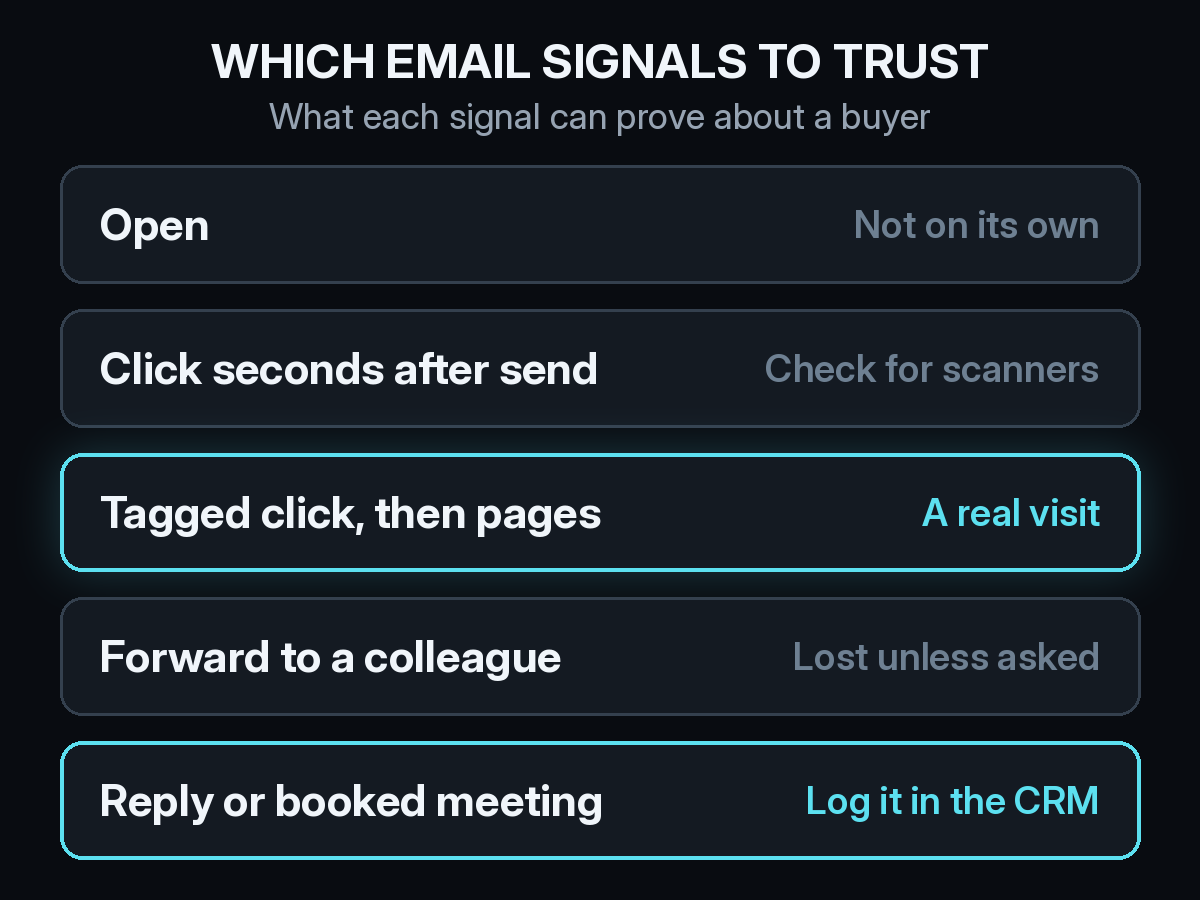
So open rates can tell you a little about deliverability trends. They can't tell you which person on which account paid attention, and they shouldn't earn pipeline credit.
Are email clicks reliable enough for credit?
Mostly, with one caveat. Corporate email security tools often open every link in a message to check it before the recipient sees it. Those checks look like clicks, often within seconds of the send, and they can hit every link at once.
The fix is to credit what happens after the click. A real person lands on a page, scrolls, and often visits a second page. A scanner requests the URL and leaves. When you count a click only once it turns into a visit with real engagement, most of the noise drops out.
Tag every link with UTMs so the visit carries its source. Use one convention for utm_source and utm_medium across marketing email, newsletters, and sales sequences, and set utm_campaign to the send or sequence name. Our list of UTM mistakes that break B2B attribution covers the naming errors that split one campaign into five rows.
What about forwards and dark reads?
B2B buyers forward good emails to colleagues. The colleague clicks a link that still carries your tags, so the visit gets credited, but it is tied to a person you never emailed. Or the colleague just reads it and searches your name later.
Two habits help. Resolve visits to the account, not only the contact, so a forwarded click still lands on the right deal. Our explainer on identity resolution shows how anonymous visits get connected to known accounts. Then ask. A "How did you hear about us?" field on your demo form will catch buyers who name your newsletter, and our self-reported attribution checklist covers how to set it up so the answers stay usable.
How much credit should email get on a deal?
Usually a share, rarely all of it. Email tends to work in the middle of the path. It brings a buyer back to read something, nudges them to register for an event, or keeps a deal moving after a call. It is less often the first touch, and almost never the only one.
That makes single-touch models a poor fit. First touch rarely credits email at all, and last touch can over-credit the follow-up that landed right before the demo. A multi-touch model gives each email touch its share next to the ads, content, and meetings around it. If you are still deciding on a model, our guide to multi-touch and single-touch attribution walks through the trade-offs.

Should marketing email and sales email be counted the same way?
Track them the same way, but report them separately. A newsletter, a nurture sequence, and a rep's one-to-one follow-up all count as email, but they answer different questions. Marketing wants to know which sends create interest. Sales wants to know which follow-ups keep deals moving.
Use utm_medium or a campaign naming rule to keep marketing sends and sales sequences apart, and log replies and meetings from sales email in your CRM, such as HubSpot, so they sit on the same timeline as web touches. Then you can see both without one team claiming the other's work. Webinar invites are a good test case, and our webinar attribution setup guide shows how to keep the invite and the attendance as separate touches.
What should an email attribution report show?
Skip opens. A useful report shows, for each newsletter, nurture, or sequence:
- Engaged visits from tagged clicks, with bot-like clicks filtered out
- Accounts that visited, and how many of them are now in pipeline
- Email's share of pipeline and closed-won revenue in a multi-touch view
- Deals where email appeared on the path, even with a small share
Put that next to cost, and email gets the same scrutiny as any paid channel. Teams that send a lot of content email can read it alongside content attribution, since the newsletter and the post it links to usually work as a pair.
How Source tracks email touches
Source installs with one pixel or Google Tag Manager, with no data warehouse to build. Every visit is recorded with its UTMs and referrer, so tagged email clicks land on the buyer's path automatically, tied to the account. Multi-touch, view-through, offline, and LLM attribution keep the other touches on that same path, so email is credited for its share instead of all or nothing.
You can chat with your data to ask which sends show up on closed deals, get AI recommendations, and receive daily Slack reports. Real CAC, goals, and channel quality let you compare email with paid and organic channels on the same terms. Source is SOC 2 Type II and ISO 27001 certified, and customer data is not used to train external models.
If email is a big part of how you nurture pipeline, start free at dash.source.app/signup and see which sends lead to deals.