


Launching the Private Beta
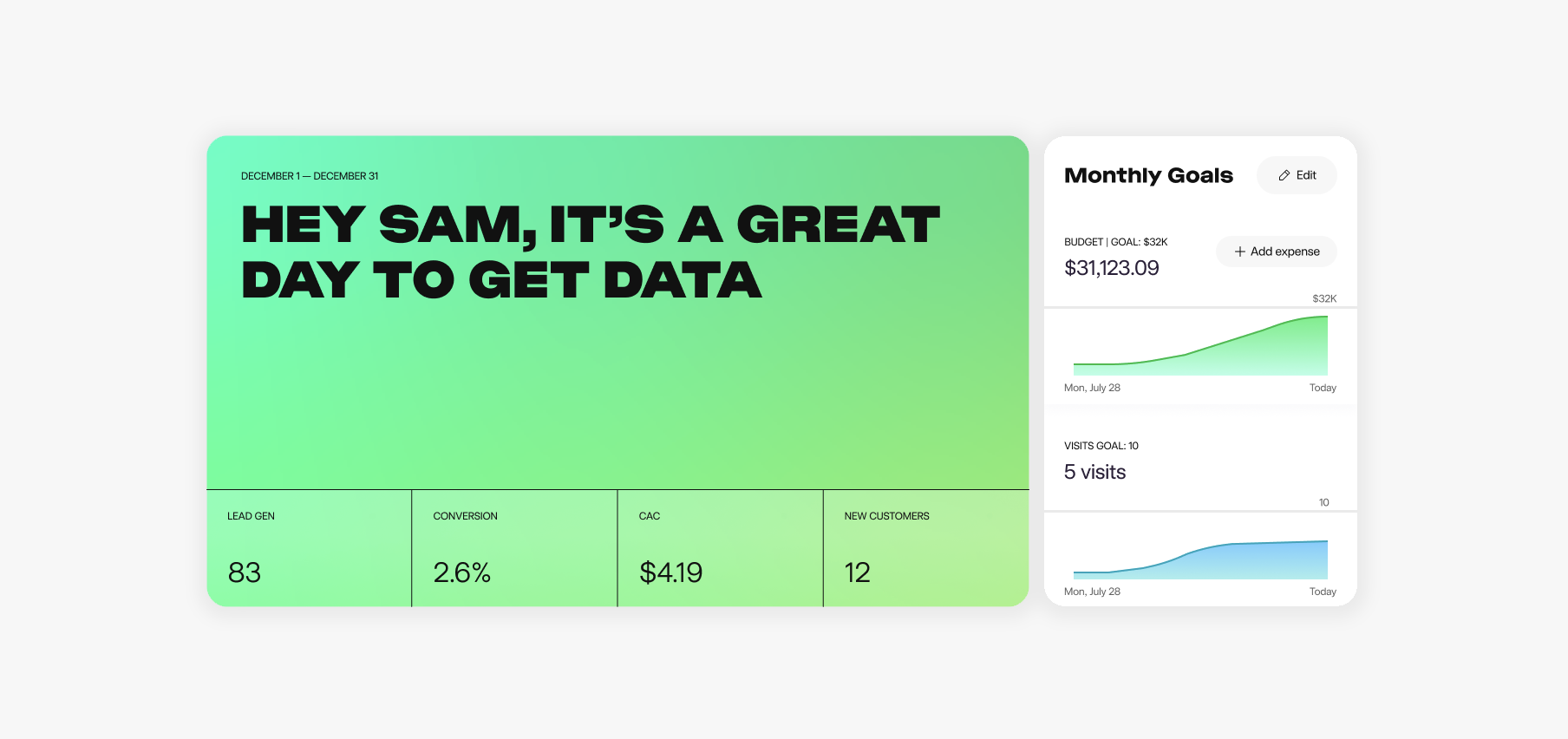
I’m excited to finally share something I’ve been pouring my heart (and quite a bit of cash) into over the past year alongside an amazing team.
I co-founded DigitalOcean, and for the past decade-plus, I’ve been working with and leading marketing teams as a CMO, helping them drive repeatable growth. Along the way, I’ve also advised and consulted for many companies. And if there’s one problem I’ve seen over and over again, it’s Attribution.
I've been dealing with the same problem over the past decade plus of building custom attribution tracking solutions and custom dashboards for every company that I've worked at including DigitalOcean. There are very few "amazing" marketing software tools that work out of the box where your marketing and sales data is consistent. GA4 is unusable. Tools like Segment require engineering support to maintain. B2B marketers deserve better.
For years, the solution has always been some scrappy, duct-taped project—a Frankenstein of custom reports, manual SQL work, spreadsheets, and workarounds. Honestly? It’s exhausting.
So, I decided to fix it.
I’ve invested over $1 million of my own capital to bootstrap and build Source: a full-funnel attribution product made specifically for B2B marketers.
What makes Source different?
First off, it’s simple to set up. No more hiring a team of engineers just to get your data flowing. Source shows you exactly which organic or paid channels, campaigns, and content are driving your best leads and customers.
And here’s the kicker—it connects the dots between your marketing funnel and your sales funnel. That means no more mismatched data, no more guessing games, and finally, the clarity marketers like us have been craving.
Ready to see it in action?
Here’s a sneak peek at how easy it is to get started with Source. The onboarding process takes just a few minutes and the insights start flowing immediately.
Join the private beta
We’re opening up our private beta to a select group of design partners. As a design partner, you’ll get early access to Source and the chance to help shape it into a tool that truly fits your needs.
If you’re interested, shoot me an email at mitch@source.app. I’ll personally send you a signup link so you can try Source for free.
Cheers,
Mitch, CEO & Co-Founder
Install the pixel and connect your first data source in minutes. Start your free trial